Checking Milk Cabinet Product Codes: Match Individual Packs, Multipacks and Checkout Names
Match the selling unit to the actual package when checking product codes. Compare names, individual packs, multipacks, scan results and shelf information rather than assuming similar packaging identifies the same product.
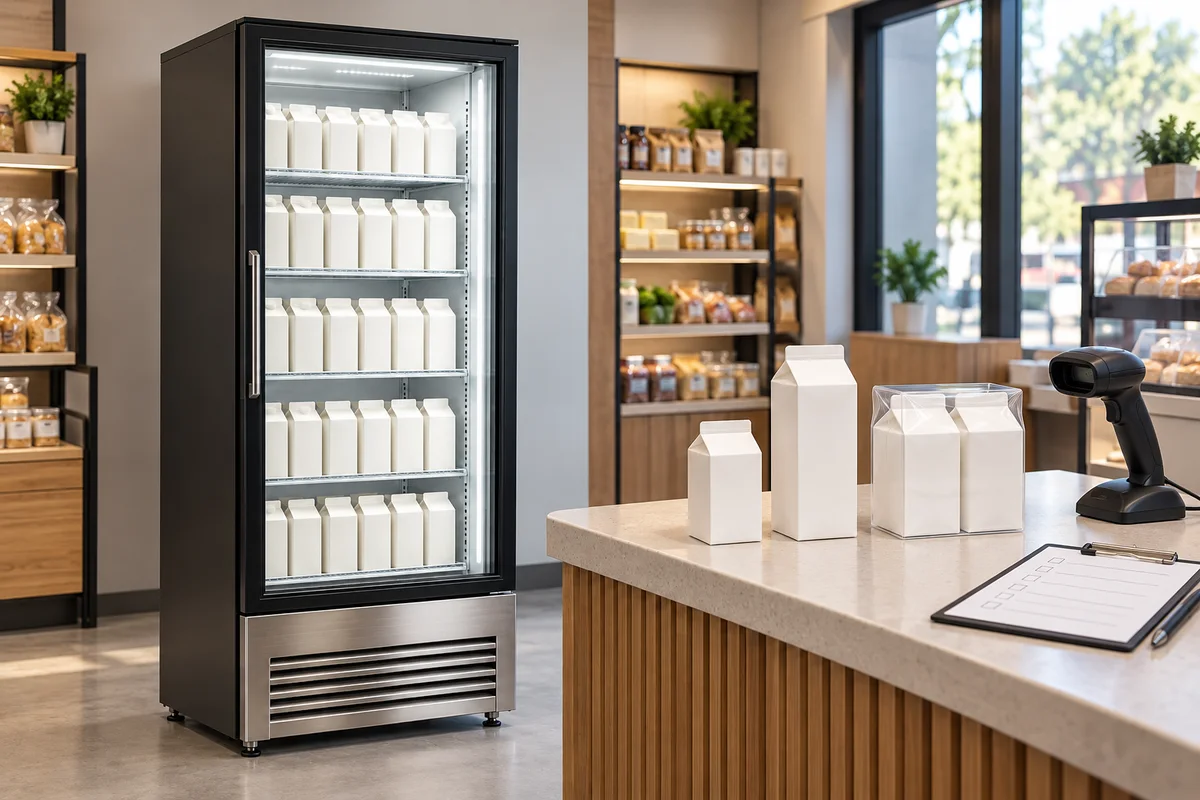
Define the unit actually sold
Dairy may be sold individually, as a two-pack or in another complete bundle. The same flavor does not establish the same checkout record. Start with the unit actually purchased, then compare it with current shop item information rather than equating similar appearances.
Prepare a physical-item checklist covering name, size, selling unit and package form. When packaging changes, distinguish appearance, size and bundle changes. The responsible item-data owner should determine updates instead of allowing temporary spoken abbreviations to become permanent identifiers.
Check outer packs and inner items separately
For multipacks, inspect the outer package and determine whether inner items are actually sold separately by the shop. Identify which packaging level each check concerns; one scan result cannot represent every level. Use real product data and confirmed selling arrangements rather than guessing quantities from graphics.
If separate sale is proposed, responsible personnel should first confirm whether it is appropriate and how item information and package instructions apply. A readable inner code alone does not authorize unbundling. This guide sets no unbundling or food-selling rules; retain unresolved packs for assessment instead of guessing.
Check what the scan result identifies
A scanner response is only a starting point. Under existing shop procedures, compare the displayed name, size and selling unit with the physical pack and confirmed sales data. Record distinctions between similar names; readability does not prove data accuracy.
Use an approved testing or checking process without creating unintended sales, and keep test results distinct from actual transactions. Record the scanned package and result if a mismatch occurs, referring it to the responsible person. Do not substitute a similarly named item merely to continue checkout.
Connect the pack, checkout data and shelf information
After identifying an item, compare the front-of-house information. Distinguish individual and bundled packs, matching shelf identification to the actual package so staff know which record to consult. Do not retain obsolete information when a different size occupies a position.
Communicate identification changes to item-data, shelf and checkout personnel, with clear confirmation ownership. Update sales and display information through actual shop arrangements; no prices or discounts are proposed here. An identity checklist does not replace date, package-condition or storage-requirement checks.
Record mismatches in a traceable way
Record the physical pack, the checking stage, the actual discrepancy and the person handling it. Separate confirmed facts from unresolved questions so repeated handovers do not reduce everything to a vague code problem. Authorized personnel should handle system changes without unrelated bulk edits.
After correction, recheck the same packaging object and associated front-of-house information. Retain the basis and date for future updates. One successful item check does not establish completion for the whole cabinet; the reported scope must match the items actually examined.
Common item-identification questions
Preparation and use questions
Should different sizes with the same name be treated as one check? Preserve their actual sizes and selling units, linking each to confirmed shop data. Does a package change always require a different item-code record? Assess the actual pack and supplier information before the data owner confirms necessary updates.
Must all internal item data be sent for an equipment enquiry? Start with relevant package forms, dimensions and site issues, using the public BAONIER product and category pages for context. The cover illustrates checking items without real codes or transaction data; it is not an actual shop test.
Related products and enquiries
Milk cabinet product information · Convenience refrigeration category · Discuss dairy display and packaging needs