Organizing Medicine Refrigerator Documents: Connect Equipment IDs, File Versions and Service Records
Link each equipment file to the actual medicine refrigerator. Organize identifiers, document sources, version indexes and service records to reduce mix-ups; qualified personnel must still assess storage suitability.
Give each unit a stable document entry
Similar-looking refrigerators can be confused when documents are scattered across messages, paper folders and computers. Start an equipment file with an internal identifier linked to the actual unit, asset register and folder. Retain the model name and internal ID separately rather than using one abbreviation for every identification task.
Record the model, serial number and location that can actually be confirmed, noting the source. Leave illegible information unresolved instead of copying it from a similar photograph. A nameplate photo supports retrieval but does not replace checking the unit. Update the location index after a move without creating unrelated duplicate files.
Record document sources and versions
Distinguish supplier documents, records created on site and internal working drafts. They may be linked, but sharing a folder does not mean each has been checked or approved. Record the provider, receipt date and relevant equipment. Ask for clarification where a document appears to cover several models.
An internal ID, document category and version date may help searching; the organization should define its own naming format. Article 32 of the pharmaceutical Good Supply Practice addresses document-management processes and associated records. This organizational approach is not a mandatory naming template or a replacement for the organization’s document procedures.
Keep the relationship between versions
When a document is revised, show how the versions relate, which version is available for current reference and when its status was confirmed. Do not rely on a filename saying latest, or overwrite the only original without confirmation. Separate drafts, unresolved material and documents in current use so old message attachments are not mistaken for current files.
Link paper and electronic copies. A scan should point to the original’s storage location, and its page order, attachments and important pages should be checked for completeness and readability. This guide sets no retention period or destruction conditions; responsible personnel must determine those from applicable requirements and internal procedures.
Link service records to a unit and an issue
A service record can link the internal equipment ID, issue date, observed problem, service documents and outstanding confirmations. Separate observations from a service provider’s conclusions rather than turning an unverified cause into a diagnosis. Initial contact, a site visit and closure can be different states; a message reply alone does not establish completion.
Attach supporting documents and follow-up replies to the same issue with their provider and receipt time. Service records do not replace required monitoring, calibration or validation materials and do not establish suitability for every medicine. This guide provides neither repair steps nor decisions on return to use; responsible personnel must handle those matters.
Test document retrieval at handover
Ask the receiving colleague to retrieve documents for practical tasks: find the relevant instructions from an equipment ID, locate an unresolved service item and identify a document’s status. Record retrieval gaps and their owner rather than measuring success by the number of files in a folder.
Use the organization’s existing access rules for viewing and editing, and avoid publishing contact details or internal equipment information unnecessarily. Share only what an external discussion needs. Update the archive as equipment and service matters change; completing an archive is not evidence of compliance or satisfactory storage conditions.
Common document-organization questions
Preparation and use questions
Are electronic copies alone sufficient? Determine the use of originals, copies and electronic files according to document type and internal procedures. Can identical-looking units share one file? Shared documents can be linked, but each unit still needs clear identity, location and actual records; appearance does not establish identical models or conditions.
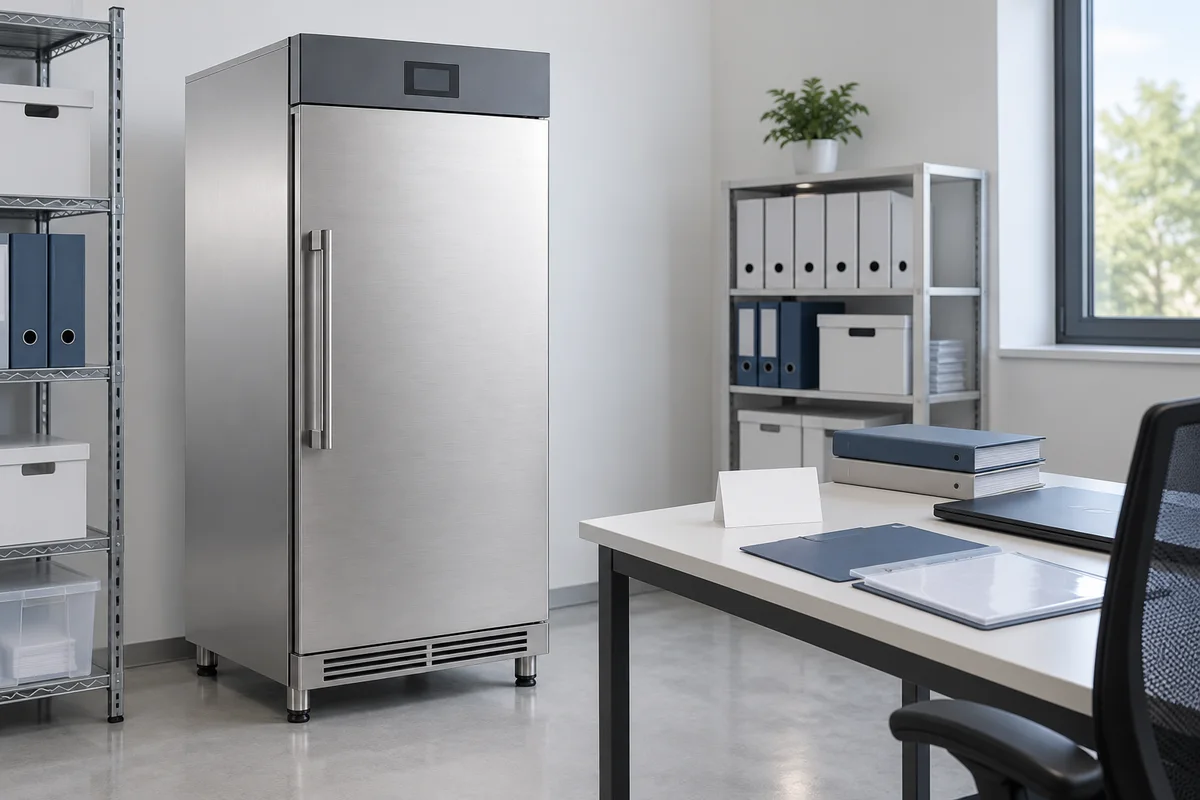
What should be prepared before contacting a supplier? Provide confirmed equipment identifiers, document versions and specific questions, using the public BAONIER product and category pages for context. The cover illustrates archiving, not actual medicines or storage operations. Suitability, configuration and responsibilities remain subject to qualified assessment and formal documentation.
Related products and enquiries
Medicine refrigerator product information · Medicine cabinet category · Discuss equipment documentation