Photographing a Beverage Cabinet Display: Show Pack Sizes and Where Customers Collect Drinks
Plan beverage display photographs around the information customers need. Combine an overall view, section photographs and product details, then check reflections, obstructions and information dates so the images match the shop.
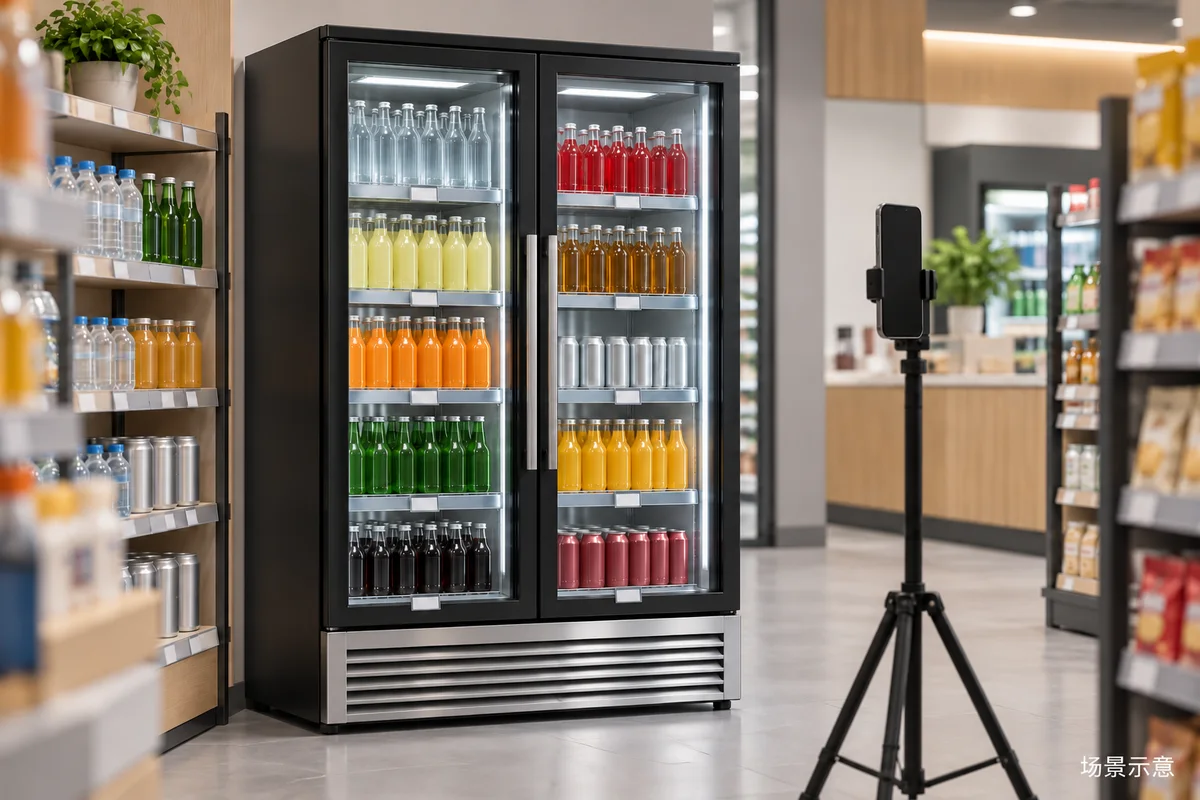
Decide what the photographs need to explain
A shop may take one overall photograph of a beverage cabinet for its online page and stop there. That establishes location but may not show the pack sizes, their positions or where a customer should look on arrival. Make a short shot list covering the overall area, the relationship between sections and product details, rather than asking one frame to explain everything.
Decide whether the pictures introduce the shop, describe a product section or communicate a temporary activity. Each purpose calls for different information. Prepare the items and current signs that will be shown publicly so the review checks whether the photographs answer the intended questions, not simply whether the colours are vivid or shelves look full.
Use overall and section views for different tasks
An overall convenience-store view can retain the cabinet, adjacent aisle and a clear collection direction. Photograph from an appropriate position without persistently occupying the aisle or interrupting customers. If a support is used, place it clear of normal movement and remove it afterwards.
Section views should reflect how customers search, such as different pack sizes in one existing row or a real product section. Do not temporarily combine products from unrelated locations without telling the page editor. Viewers should be able to find the arrangement in the shop; illustrative arrangements should be labelled rather than presented as current shelf positions.
Review reflections and obstructions at the location
Check the preview for strong light reflections, the photographer or surrounding clutter, then adjust the shooting position and angle. The aim is to keep bottle outlines, section signs and doors understandable, not to erase every reflection from real glass. Do not dismantle equipment or obstruct areas that need to remain clear to secure photographic accessories.
If a frame or neighbouring item hides a pack size, add a detail photograph while retaining the same real arrangement in the overall view. Avoid editing that creates shelves or space that never existed. Clear pictures should remain accurate: exaggerated cabinet space can mislead customers and people later considering equipment.
Check shelf labels against the same product information
Shelf-label photographs require more than legible lettering. Confirm that each sign corresponds to the pictured product, size and current arrangement. Have responsible shop staff approve information intended for publication. Resolve provisional labels, unconfirmed activity notices and unrelated materials before shooting rather than leaving viewers to interpret them.
Use detail shots to show pack shapes, fronts and label positions, but do not substitute another product photograph for the appearance of a particular size. Review people and non-public material before publication. Store label and product photographs within the same shoot record so an editor does not unintentionally choose obsolete information from an older album.
Review the page on a phone and update changed views
Review the photographs in the intended page preview, not only as full-size images in an album. Check whether sections remain understandable as thumbnails and whether cropping removes key products. Change the chosen frame or add explanatory text where needed. Captions should describe what is actually shown without unverified sales, energy-saving or refrigeration claims.
Displays change with products and shop arrangements. Retain the shoot date, purpose and relevant section for each photograph. When positions, pack sizes or public signs change, review the related pages rather than updating only the newest upload. This cover was generated from a product reference and labelled conceptual; it is not a shop photograph or evidence of stock or equipment configuration.
Common photography questions
Preparation and publication questions
Is one overall photograph enough? Add section and detail views if viewers cannot understand sizes or positions, rather than following a fixed image count. Can empty shelf positions be digitally filled? Do not present invented stock as the actual shop condition; choose another shooting time or explain the purpose while keeping the information accurate.
Is a visual concept sufficient for an equipment enquiry? It can explain a style preference, but actual packaging, site photographs and space information are also needed. Start with the public BAONIER product and category pages, then describe the display requirements. Distinguish concept illustrations, equipment images and real shop photographs by source and purpose.
Related products and enquiries
Beverage cabinet product information · Beverage cabinet category · Discuss store display requirements