Checking an Additional Slicer Accessory Order: Equipment Identity, Compatibility and Supply Scope
Identify the actual machine before ordering accessories. Review existing documentation, intended use, quantities and delivery responsibilities without assuming compatibility from appearance or providing installation steps.
Define the request before identifying a part
Start an accessory enquiry with the intended purpose rather than a screenshot of a similar object. Distinguish completing a confirmed configuration from asking about a different accessory form, and keep the purchase object unresolved until verified.
Similar names or appearance do not establish interchangeability. Retain original identifiers and list missing confirmations. This guide concerns procurement communication, not additional machine capabilities, installation, modification or return-to-use instructions.
Link the enquiry to the actual equipment
Check that model, equipment identification and existing instructions refer to the same machine. Use separate enquiry entries for different units or stores, with authorized staff providing normally visible information.
Link detail photographs to the overall view without opening guards, approaching hazardous areas or removing parts. Identify missing evidence for appropriate personnel to resolve. Similar size, colour or an online universal label is not a machine-specific compatibility confirmation.
Separate names, quantities and included items
Use one row per item with the source identifier, machine, requested quantity, provider-confirmed name and unresolved scope. Clarify what a set contains instead of assuming everything pictured is supplied.
Distinguish existing configuration from additional items. Confirm price, lead time and shipping from actual quotations; this guide offers no estimate or availability promise. Leave unconfirmed specifications and quantities unresolved.
Reconfirm any proposed alternative
Preserve the original request and proposed substitution, then reconfirm machine, purpose and supporting basis. Do not replace an identifier on the list merely because an alternative is described as similar. Relevant personnel should assess configuration changes.
Keep compatibility replies tied to specific items and machines. Clarify retention of old items, site review responsibility and any separate service. Receipt of a parcel is not confirmation of fit or readiness for use.
Retain the procurement trail at receipt
Connect agreed items to actual labels, package counts and supply documents. Preserve discrepancies for the responsible person to review rather than trial-fitting parts or declaring acceptance from packaging appearance.
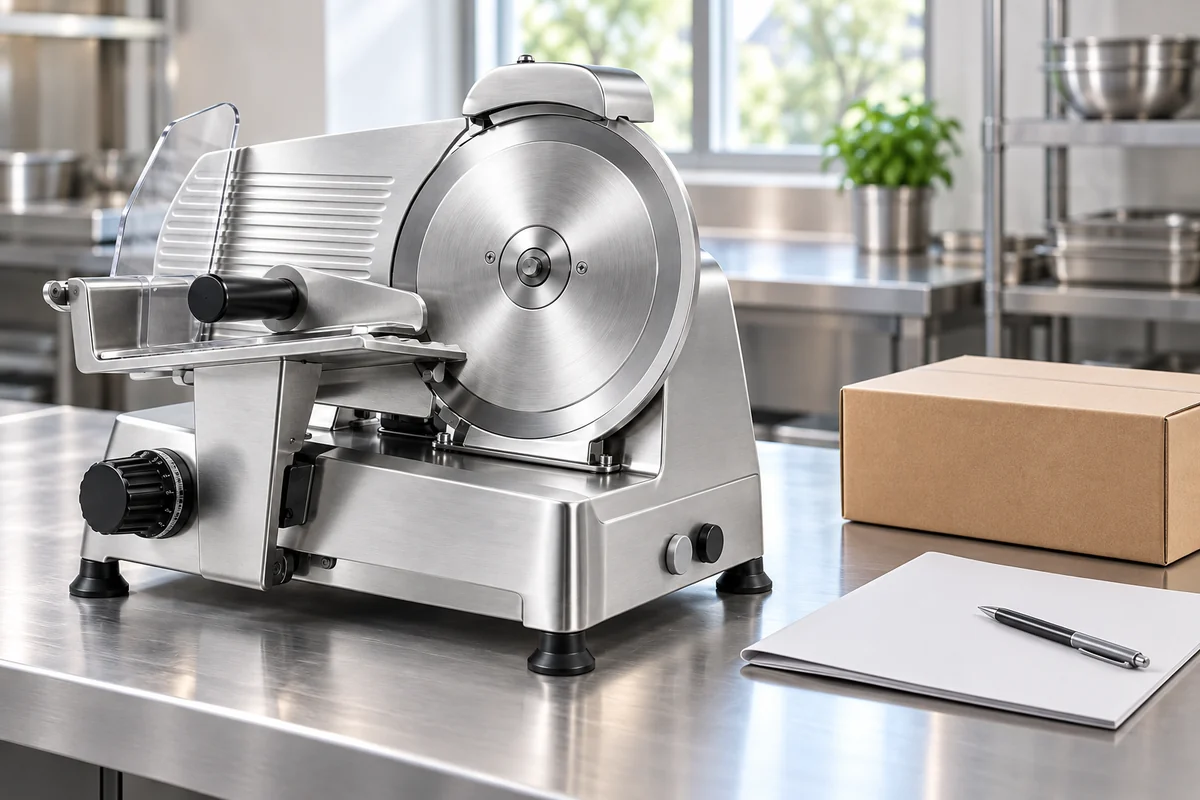
Retain the connection between machine and order for later enquiries without sharing unrelated business data. The generated cover shows an assembled machine and closed packaging, not proof of actual supplied parts. Confirm scope, compatibility and service arrangements through appropriate documentation.
Common accessory-order questions
Practical questions
Is one clear photo enough to order? It assists communication but still needs actual machine identity and documentation. Does a shared model name guarantee identical parts? Confirm actual configuration item by item.
Prepare existing equipment documents, intended purpose and unresolved questions. Use product pages for context, while appropriate personnel confirm protective parts and other compatibility matters. This guide does not replace instructions or site assessment.
Related products and enquiries
Slicer product illustration · Slicer category · Ask about machine identity and accessory documentation